1
Launch your channel
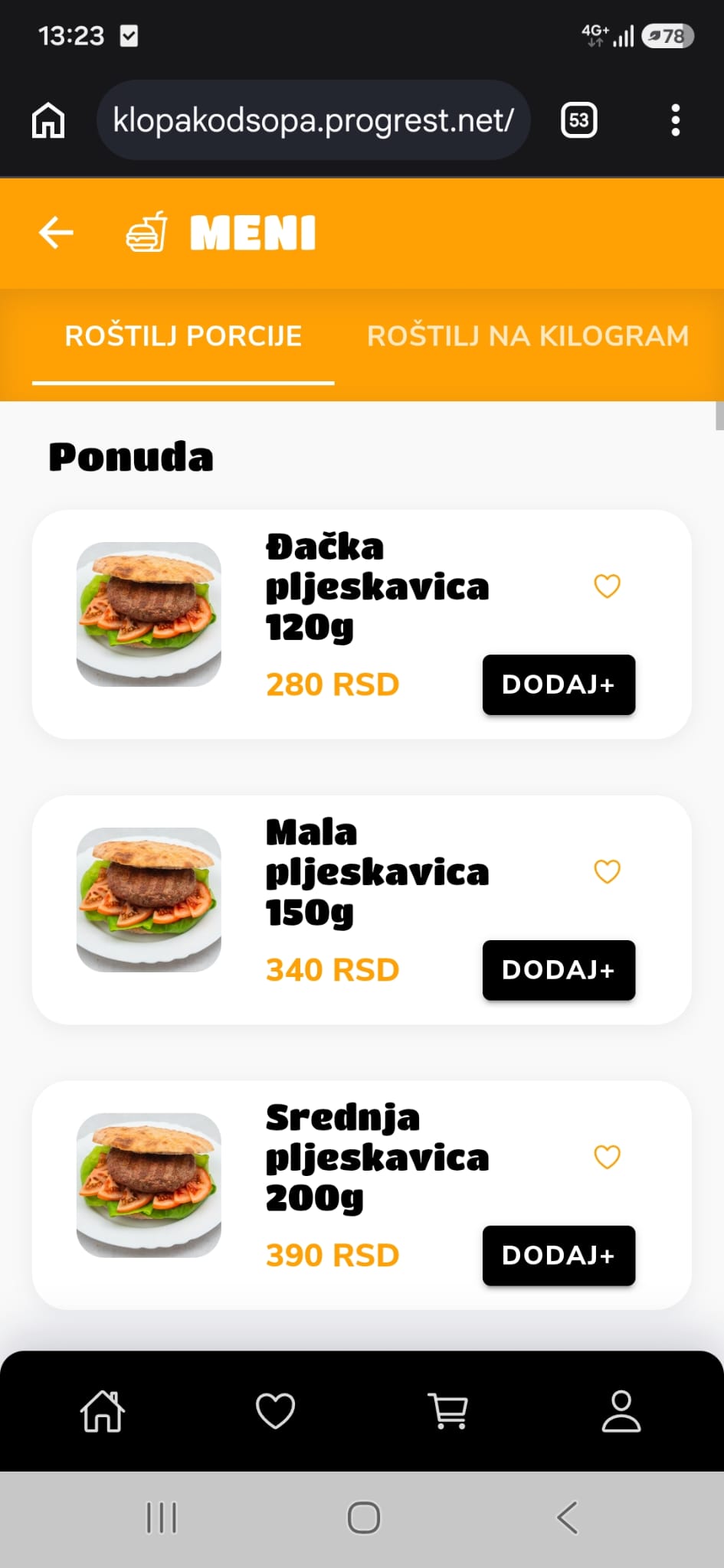
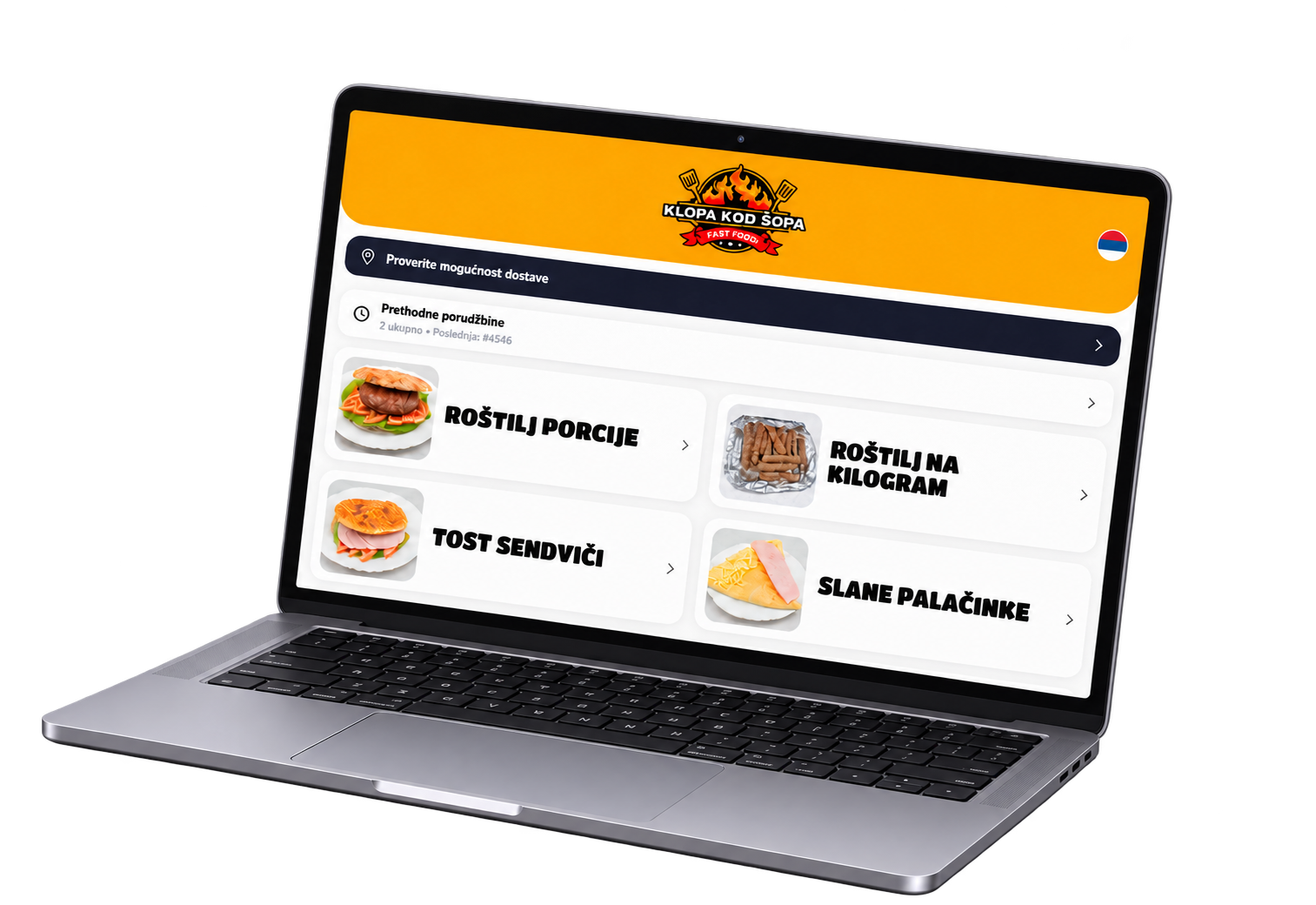
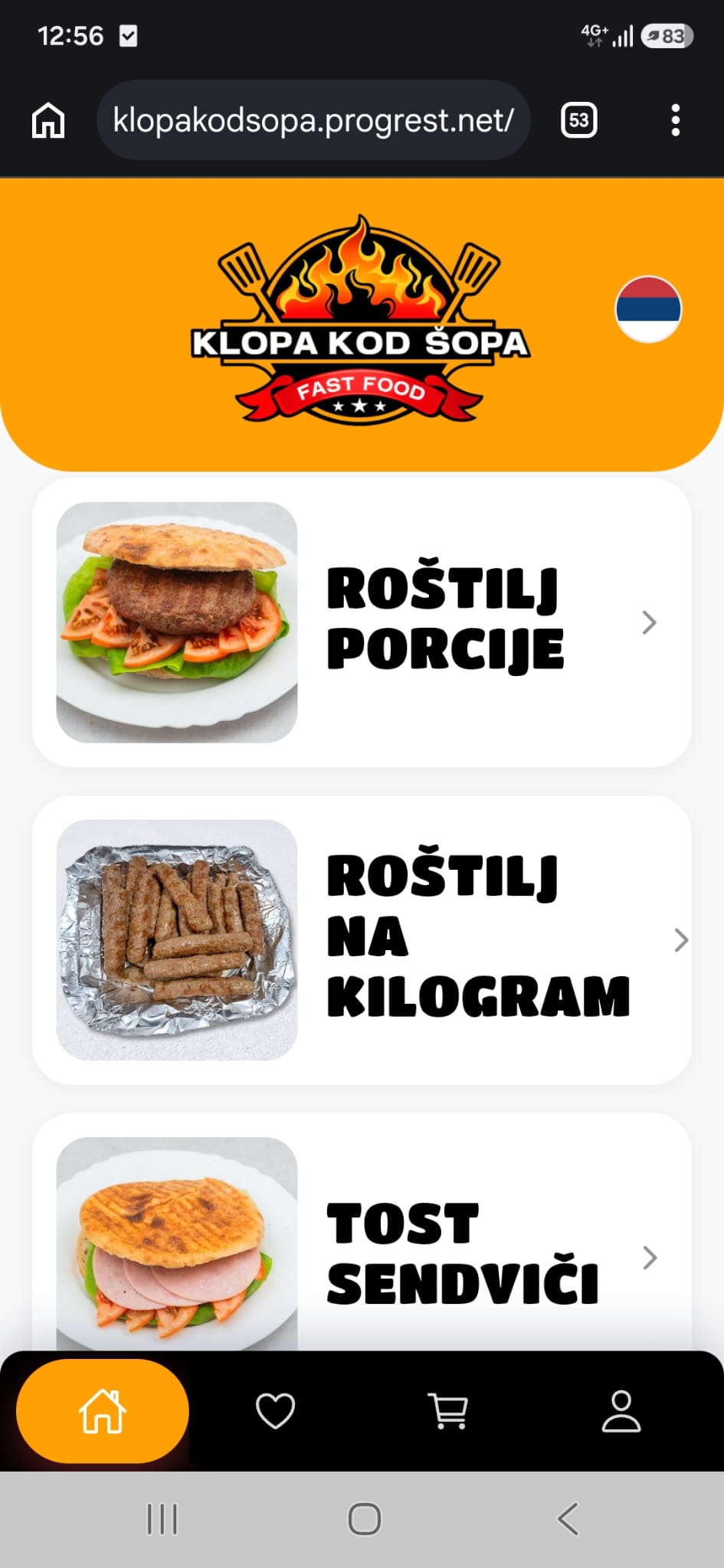
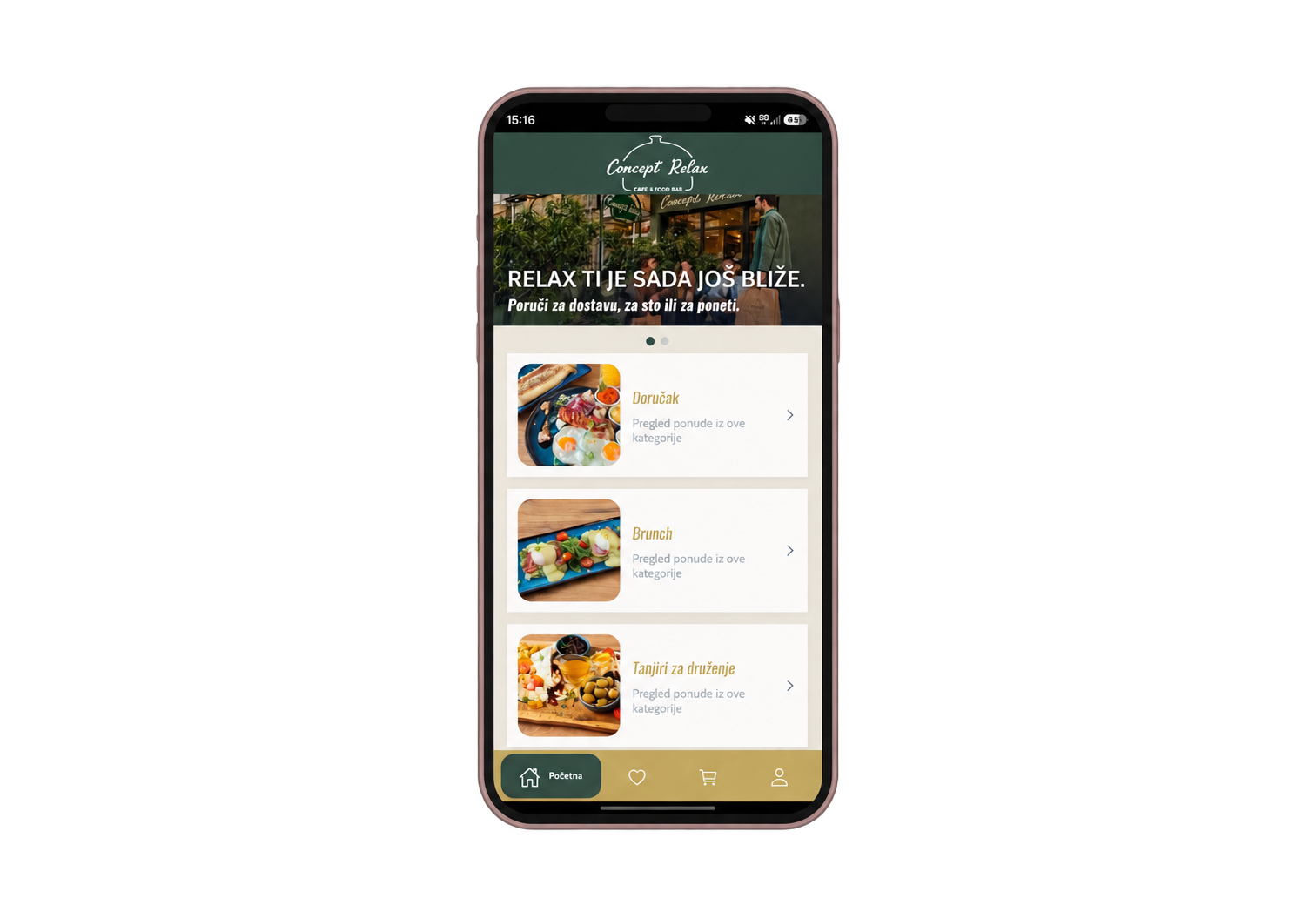
Get a branded web menu designed for phones and desktops.
Online ordering for restaurants
Your own channel for direct orders, pickup and delivery. Keep your brand front and center while staying in control of your menu and orders.
A simple start
From the first order to lasting customer relationships.
Get a branded web menu designed for phones and desktops.
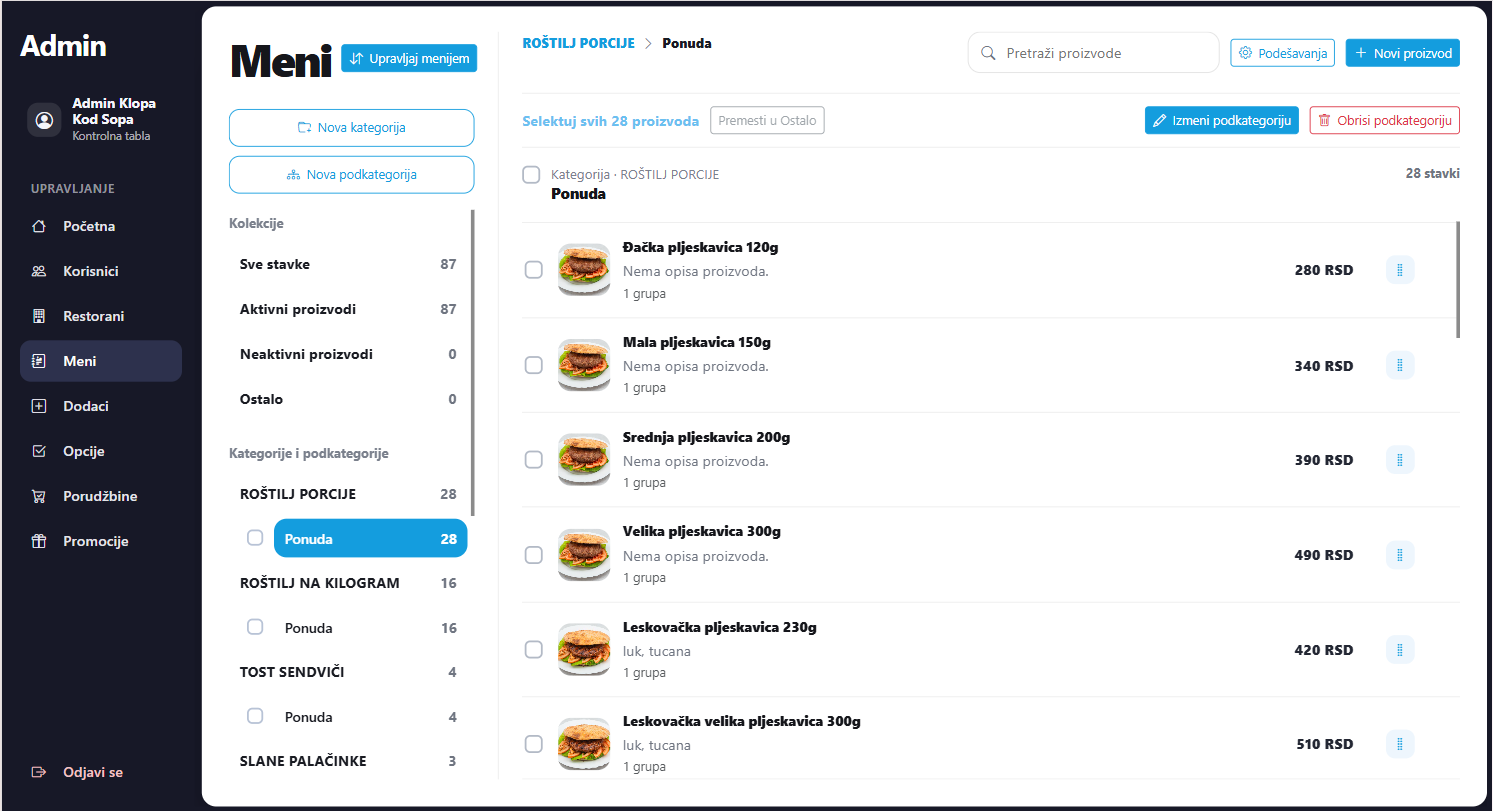
Add dishes, extras, prices and delivery zones. Our team helps you set everything up.
Guests order directly while your team handles orders in the system.
From choice to delivery
Guests choose dishes and a fulfillment option, and the order arrives directly in your system. Every step is clear - from the menu to fulfillment.
Grow with Progrest
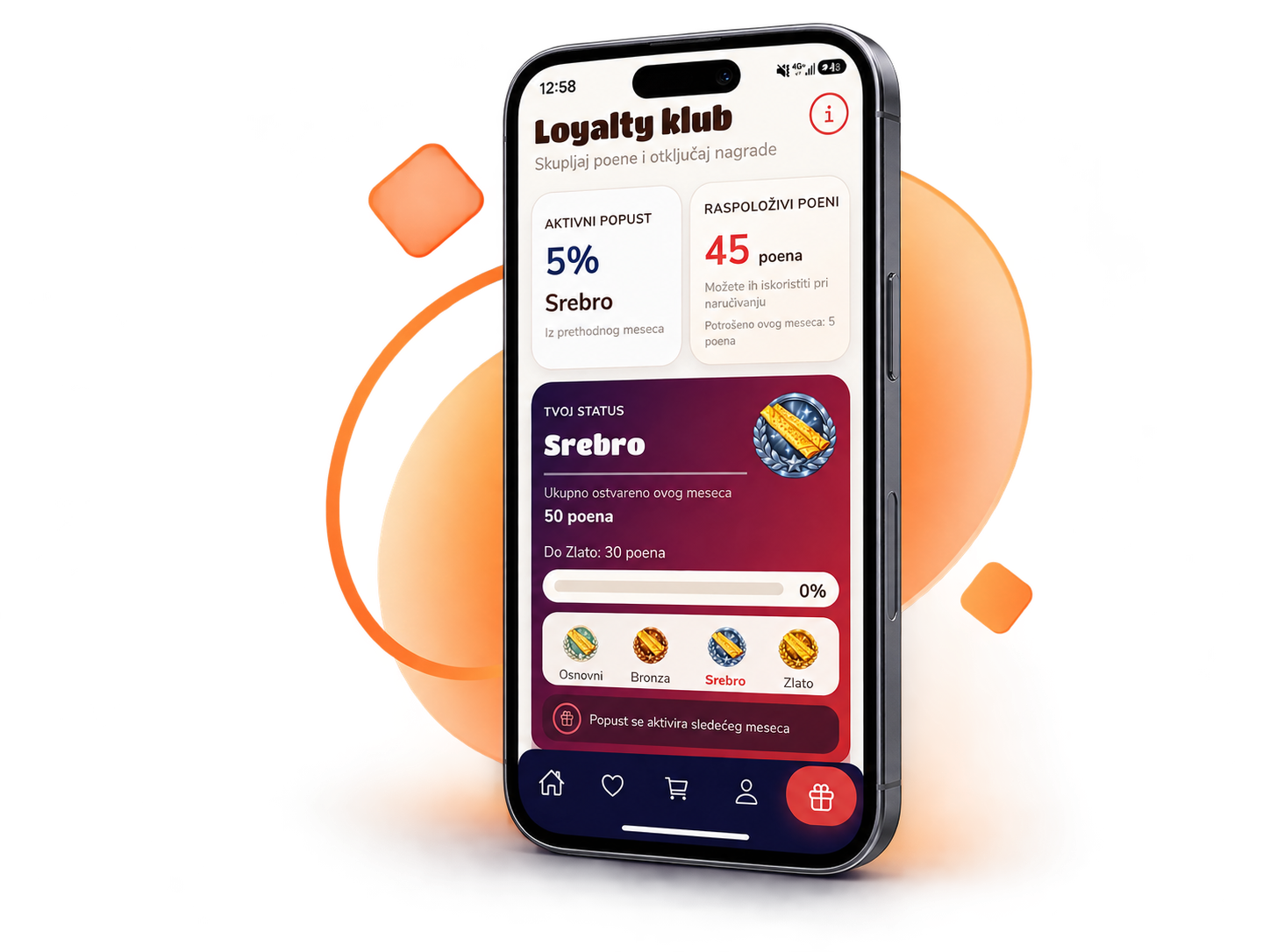
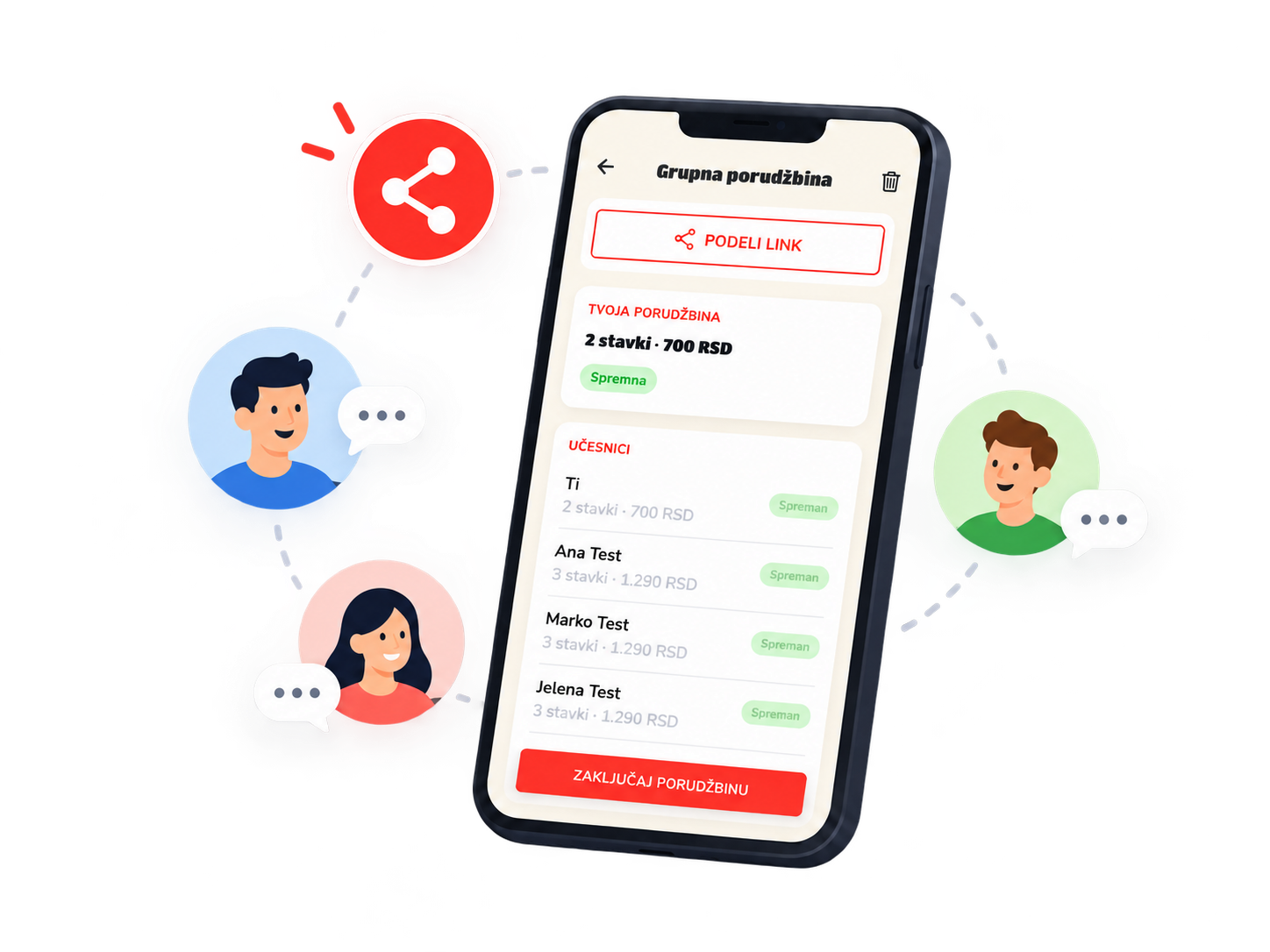
Online ordering is the beginning. When you are ready, expand the guest experience and your team’s tools.
Show us how your restaurant works and we will suggest the right starting point.
FREQUENTLY ASKED QUESTIONS
Customers open your web shop, choose products from the menu, add them to their basket and confirm their order.
You can add a link to your web shop to your restaurant’s Google profile, Instagram and Facebook. Customers can also open it by scanning a QR code on bags, boxes or flyers, or at the restaurant. If you already have a website, you can add an “Order” button that takes customers directly to the web shop.
Customers order directly in their web browser, without installing anything. For quicker access, they can add a shortcut to their phone’s home screen and use it to reopen the web shop.
Yes. You can change products and prices yourself in the Admin Panel.
Orders from the web shop arrive directly in the Staff panel, where staff receive and process them.
Here you can enable or disable Google Analytics and Meta Pixel for measuring site usage and ad performance. You can send an enquiry with tracking disabled. Privacy policy